 Murat Bayral9m read
Claude Code mods for designers who don't code: 6 we built, with prompts

Can, my business partner, told me about Claude Code mods the day they came out. I did what most of us do. I opened YouTube.
Every video I found was made for developers. TypeScript, event handlers, terminal commands. I watched 3 of them and understood maybe a third. I've been a product designer for 24 years, and I still couldn't picture what I'd build with one.
So I asked a different question. I asked Claude to read my own chat history and show me where I keep getting stuck.
That question gave us 6 mods, built in one afternoon. Below is each one: the problem it fixes, what it does, and the exact prompt to build it yourself. Claude writes all the code.
What are Claude Code mods?
Anthropic opened Claude Code to mods on 1 October 2026 (Anthropic). A mod is a small add-on that changes how Claude Code behaves or what it shows you. It can add a panel next to the chat, a line under the message box, a new slash command, or a check that runs before Claude does something.
For designers, one detail matters most. You describe the mod in plain English, and Claude writes it. Claude Code has a built-in skill for writing mods, so it knows where the files go and how to load them (Claude Code docs). When Claude saves the first file, Claude Code asks whether to turn on hot reloading for the session. Say yes, and the mod starts working as soon as Claude finishes its reply.
You need Claude Code version 2.1.287 or later. Mods work in the terminal and in the Code tab of the Claude desktop app (Claude Code docs).
How to find the Claude Code mods worth building
Most "best mods" lists are full of games, dashboards and tools for developers. They're fun, and they solve someone else's problems.
Your own problems are already written down. Claude Code saves every session on your computer. So we asked Claude to read 4 months of mine: 223 sessions and 931 of my messages.
The results were a little embarrassing:
- I'd told Claude some version of "I'm not a developer, stop the wall of text" 69 times.
- I'd pasted the same handoff note 14 times, just to carry on with yesterday's work.
- I'd pasted private keys into a chat twice.
Run this prompt before you build anything. It turns your history into a shortlist.
Read my past Claude Code sessions on this computer. They're saved as .jsonl files in ~/.claude/projects/.

Look only at my own messages. Find the problems I hit again and again: things I repeat, things I correct, places I get stuck or frustrated, and anything risky I did, like pasting a password or an API key.

For each problem, count how often it happens and quote 1 real example in my words. Leave out names, clients and anything private.

Then suggest 1 Claude Code mod for each problem. For each mod, tell me what it does in 1 sentence, how I'd use it, and whether it uses extra usage.

I'm a designer, not a developer. Use plain words and keep it short. Don't build anything yet.
6 Claude Code mods for designers, with copy-paste prompts
Paste each prompt into a new Claude Code chat. Change anything in [brackets] to fit you. When Claude asks to enable hot reloading, choose "Enable for this session".
1. Plain words
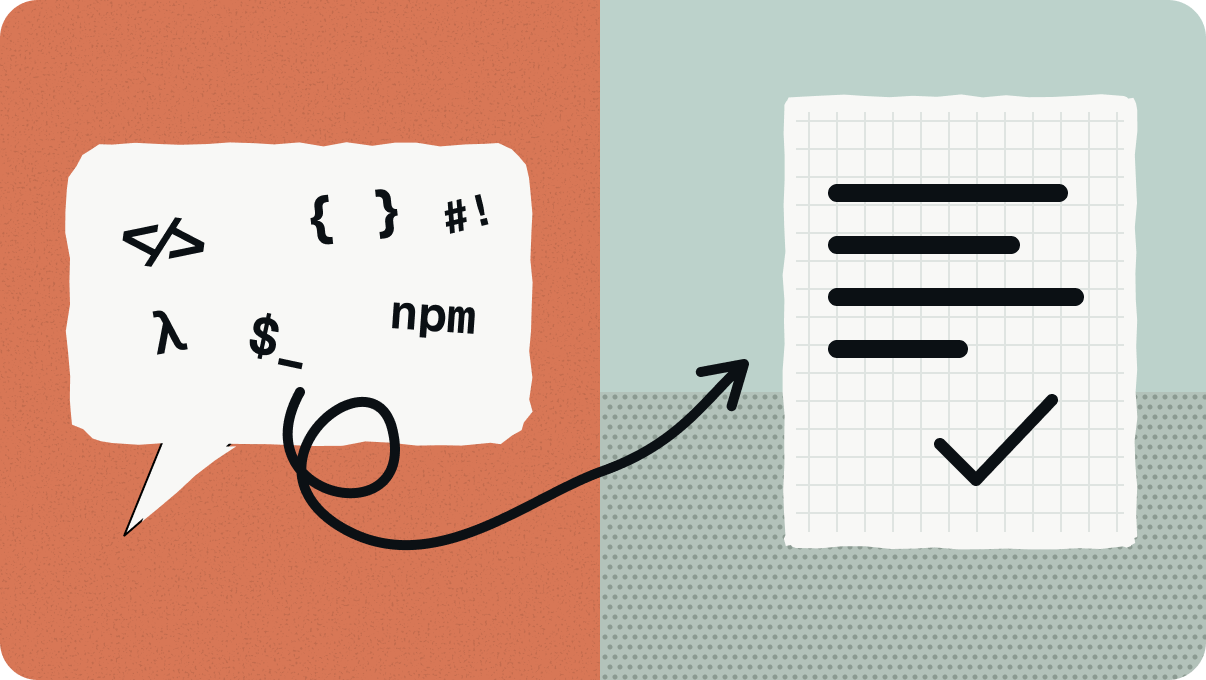
The problem: replies full of developer words, and steps that send you to Terminal.
What it does: when Claude finishes a reply, the mod checks it. If the reply is too technical, sends you to Terminal, or hides a finished piece of work in a file, Claude writes it again in plain words. It only does this once per reply, so it can't loop.
Make me a Claude Code mod called "plain-words".

I'm a designer, not a developer. When you finish a reply, the mod checks it. If the reply uses 4 or more developer words (like npm, repo, commit, endpoint, JSON, CLI, runtime or schema), asks me to open Terminal and type something, or saves a finished piece of writing to a file without pasting it in the chat, make Claude write the reply again: shorter, in plain words, and with any step done for me where possible.

Ignore words inside code blocks. Ask for 1 rewrite per reply at most, so it can never loop. Show a small pop-up when it asks for a rewrite.

When it's built, prove that it loaded, and tell me in plain words how I'll know it's working.
2. Pick-up

The problem: every new chat starts from zero, so you explain your project again.
What it does: after every reply, it saves a short note about where the chat stopped. Type /pickup to see your last 5 chats. Type /pickup 2 and a ready-made handoff for chat 2 lands in your message box. Press Enter and carry on. If you prefer to write handoffs yourself, we explained how in how to start a new Claude Code session without losing context.
Make me a Claude Code mod called "pickup".

After every reply, save a short note about this chat on my computer: my first message, my last message, the end of your last reply, the files that changed, and the time. Keep the last 60 chats.

Add a /pickup command that lists my last 5 chats from any folder, numbered, with what each one was about and where it stopped. "/pickup 2" should put a handoff for chat 2 into my message box, so I only press Enter to continue it.

Don't save slash commands as messages. Don't send the notes anywhere.

When it's built, prove that it loaded.
3. Finder
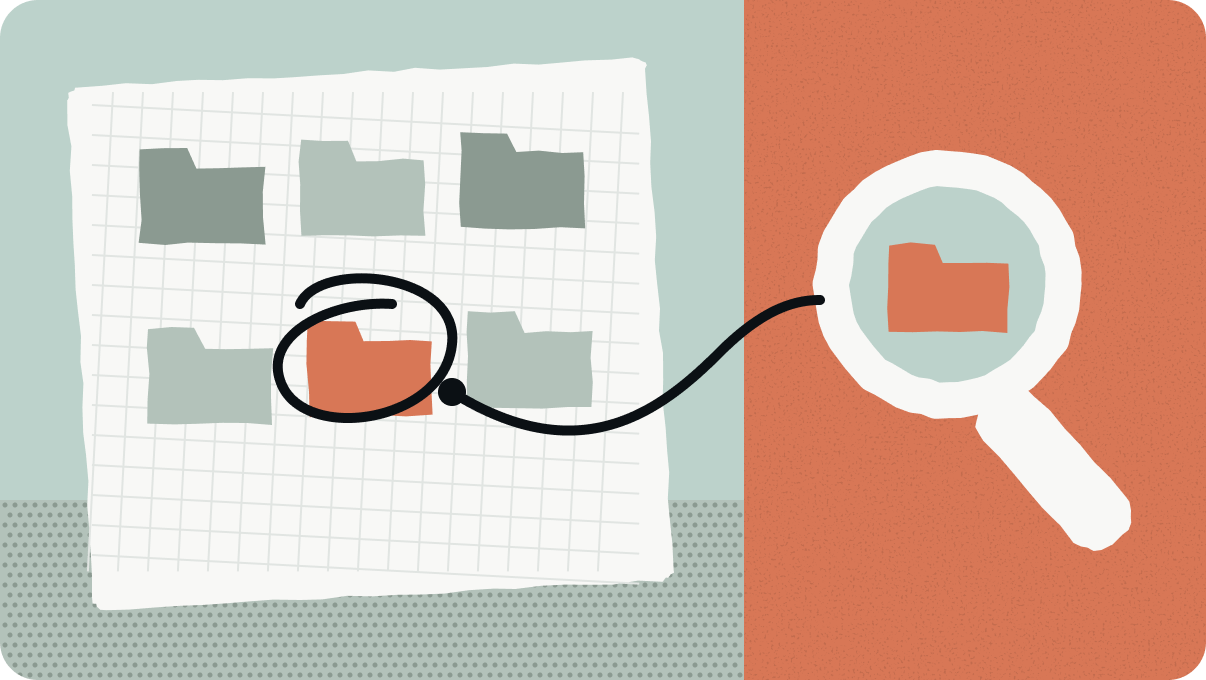
The problem: "Where did I save that prototype?"
What it does: type /where and part of a name, and it lists the matching folders and apps. Claude gets the same search, so it can find things when you ask "where's my invoice app?".
Make me a Claude Code mod called "finder".

Add a /where command. "/where [invoice]" should list the folders and apps on my Mac whose name contains that word, closest matches first, 12 at most. Skip system, cache, node_modules and .git folders.

Give Claude the same search as a tool, so when I ask where something is, you can look it up yourself.

Use the Mac's built-in Spotlight search, so it's instant and uses no extra usage.

When it's built, prove that it loaded, and run /where on something real.
On Windows, ask Claude to use Windows Search instead of Spotlight.
4. Secret catcher
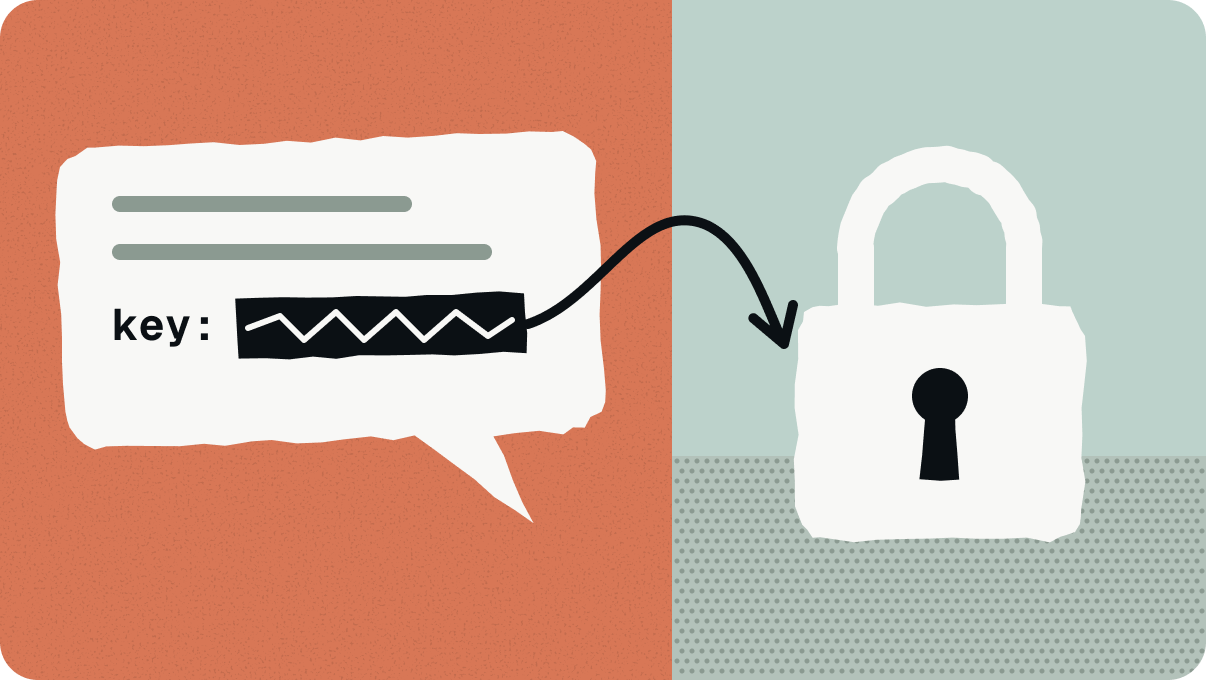
The problem: pasting an API key or a password into a chat by mistake.
What it does: it checks every message before you send it. If it finds a key, it removes it, saves it in your Mac's Keychain and leaves a note in its place, so Claude knows where the key is without ever seeing it.
This happens far more than people admit. GitGuardian counted 23.8 million secrets leaked on public GitHub in 2024, 25% more than the year before. Repositories that used AI coding assistants leaked 40% more often (GitGuardian, March 2025).
Make me a Claude Code mod called "secret-catcher".

Before any message I send reaches you, check it for API keys, tokens and private keys, including OpenAI, Anthropic, OpenRouter, Stripe, GitHub, Google and AWS keys, and long values after "token=", "api_key=" or "password=".

If you find one, remove it from the message, save it in my Mac's Keychain under a clear name, and put a short note in its place so you know where it's stored. Show me a pop-up that says what happened.

Never print a saved key in the chat and never write one to a file.

Test it with a fake key, never a real one, and show me that it works.
5. Rule router
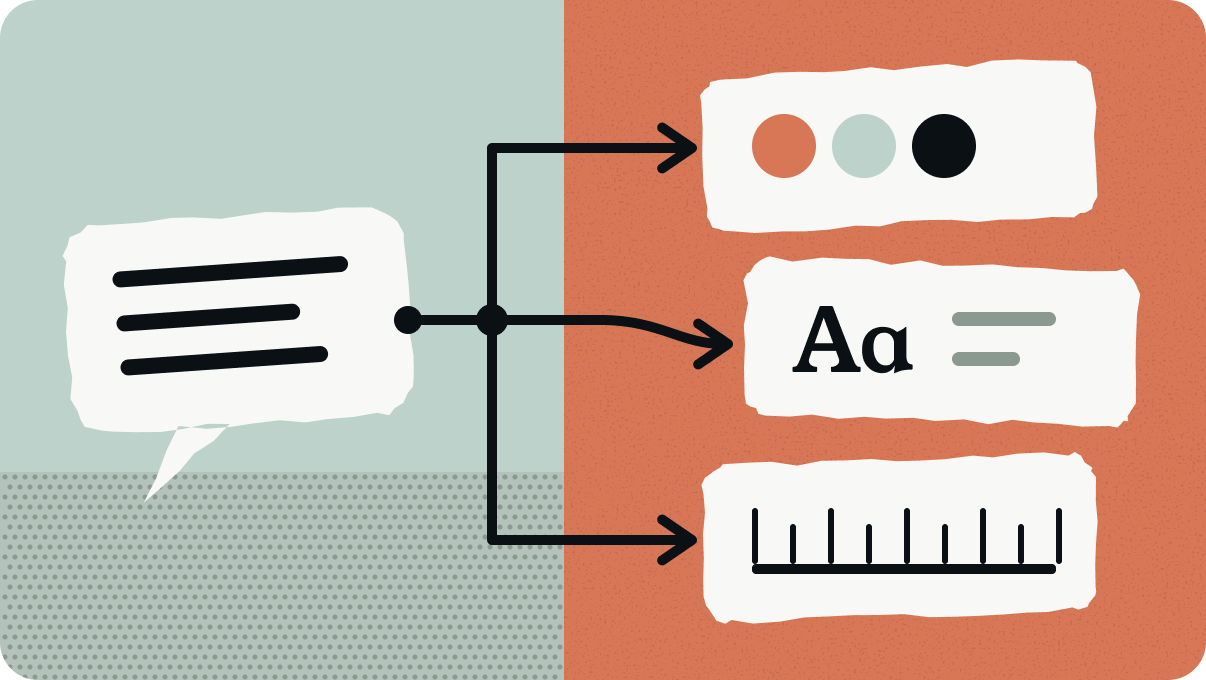
The problem: you wrote rules for your design system, your tone of voice and your skills, and Claude sometimes skips them.
What it does: it reads each message before Claude does and adds a short reminder of the rules that match. A small line under the message box shows which rules it used. If your instruction files have grown long, read why your AI instruction files are making the output worse first.
Make me a Claude Code mod called "rule-router".

My rules live in [CLAUDE.md and my skills]. Read them, then write a list of simple matching rules, like: "if my message asks for a video plan, load my video-planning skill" or "if it's a design task, read my design system file first".

Before each message reaches you, check it against that list and add a short reminder of the rules that match. Show the matched rules in a small line under the message box. Skip slash commands. Add a reminder only when a rule clearly matches.

Show me the list of rules in plain words before you build it, so I can change it.
6. Usage line
The problem: you run out of usage in the middle of a task.
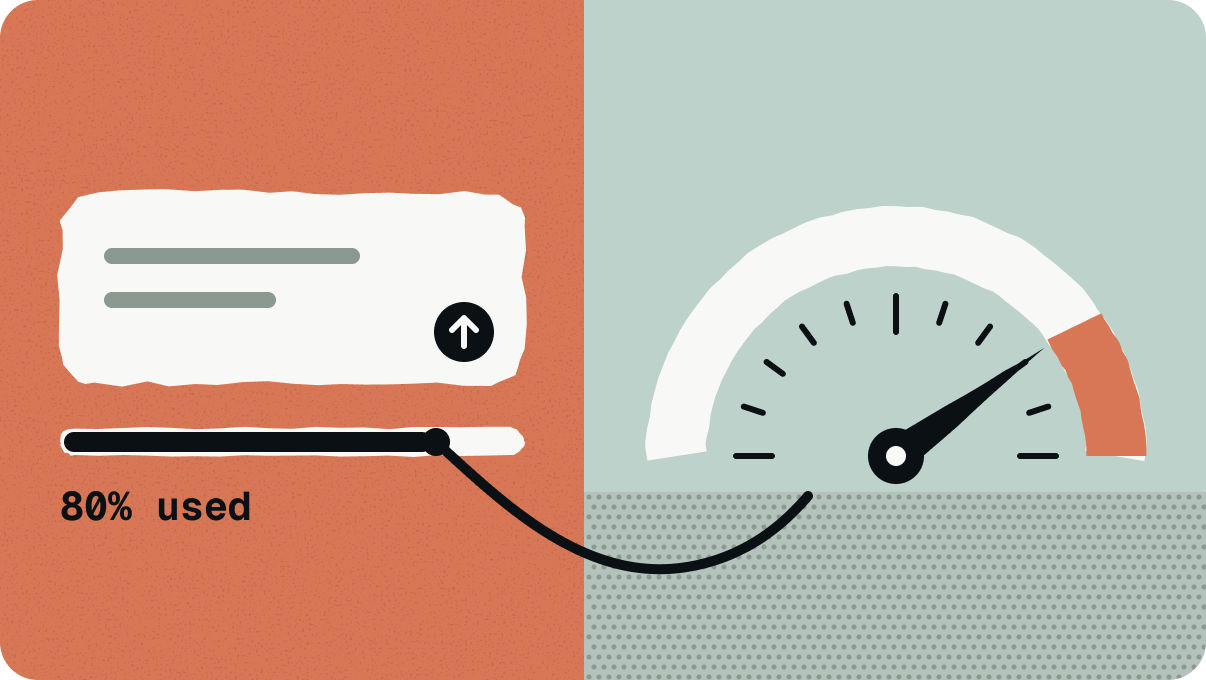
What it does: a line under the message box shows how much of your 5-hour and weekly limits you've used, when the 5-hour limit resets, and what the chat has cost so far. It warns you at 80% and again at 95%.
Make me a Claude Code mod called "usage-line".

Show a line under the message box with how much of my 5-hour limit and my weekly limit I've used, when the 5-hour limit resets, and what this chat has cost so far.

Show a pop-up when I pass 80% of the 5-hour limit, and again at 95%.

Add a /cost-report command that gives this chat's cost, time and tokens as a short list I can copy.

The mod itself must not use any extra usage.
How to check a Claude Code mod works, and keep it
2 things caught us out.
First, a mod can fail without showing an error. One of ours never started. Claude found the cause by testing small copies of the mod, one piece at a time. So ask for proof every time. Type /plugin, go to the Installed tab, and check that your mod is in the list.
Second, a mod Claude writes only loads in the chat that made it, and Claude Code deletes that folder after a while (Claude Code docs). When you're happy with your mods, paste this into the same chat:
Copy the mods you built in this chat to a folder called claude-mods in my home folder, and set them up so they load in every new Claude Code chat, including in the desktop app.

Show me exactly what you'll change before you change it, and keep a backup of my settings.
Do Claude Code mods cost more?
Hardly at all. A mod is code that runs on your own computer. It only costs usage when it asks Claude something.
Of our 6, Finder, Pick-up, Secret catcher and Usage line never call Claude. Rule router adds a short note to some messages. Plain words costs 1 extra reply, and only when a reply goes wrong.
Are Claude Code mods safe?
Anthropic is direct about this in its docs. Mods aren't sandboxed. A mod runs with your permissions, so it can read and write your files, see every prompt you send and spend your usage. One part stays protected: a mod can't change what the permission prompt shows you (Claude Code docs).
So install other people's mods only from authors you trust. Building your own has an advantage here, because you know what's inside. Before you switch a new mod on, ask Claude: "Explain what this mod can read and change, in plain words."
The audit prompt is the best place to start. Your own chat history knows which mods you need.
If you want more setups like this, written for designers, join the 02UI Lab waitlist.